
01 · Endless Play
All day. Every day. No playlist required.
Choose a source once—or use the whole catalog. Sandform keeps choosing and refilling the queue after the app closes.
 Sandform
Automation for your Oasis table
Download a beautiful everyday controller for free. Then let Pro choose what comes next and keep your table drawing all day—without planning a playlist or reopening the app.
Endless Play turns your Oasis into part of the atmosphere. No choosing a design. No building a playlist. It simply keeps going.
Try Pro free for 7 daysChoose a source once—or use the whole catalog. Sandform keeps choosing and refilling the queue after the app closes.
Choose useful drawing, queue, error, cleaning, and sand-care alerts per table.
See the art taking shape, glance at what is next, or reach the controls without opening Sandform.
Fast Clean, No Pause After Clean, Instant Snapshot, and sand-care reminders remove the friction.
Endless Play · Sandform Pro
Endless Play turns the table from something you occasionally operate into something you simply live with. It keeps choosing, shuffling, and refilling the queue all day—even after you close Sandform.
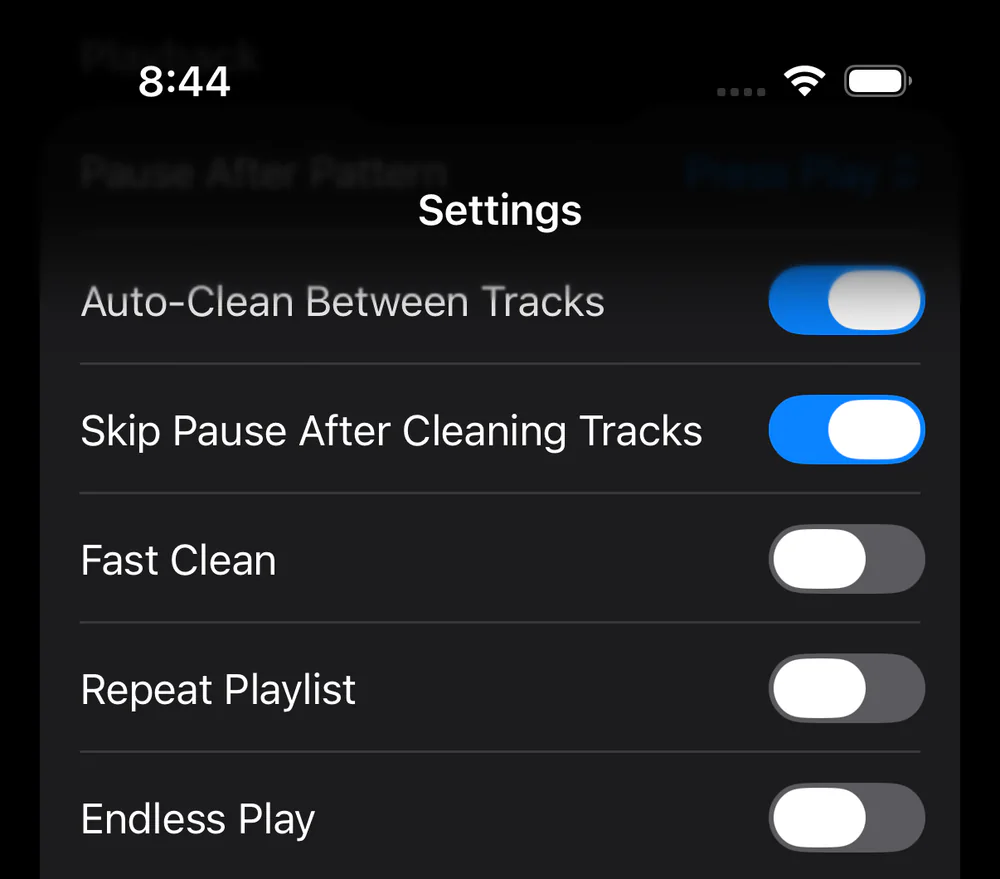
Sandform turns complex device controls into a focused daily ritual: see what is happening, decide what comes next, then put the phone down.
Design discovery
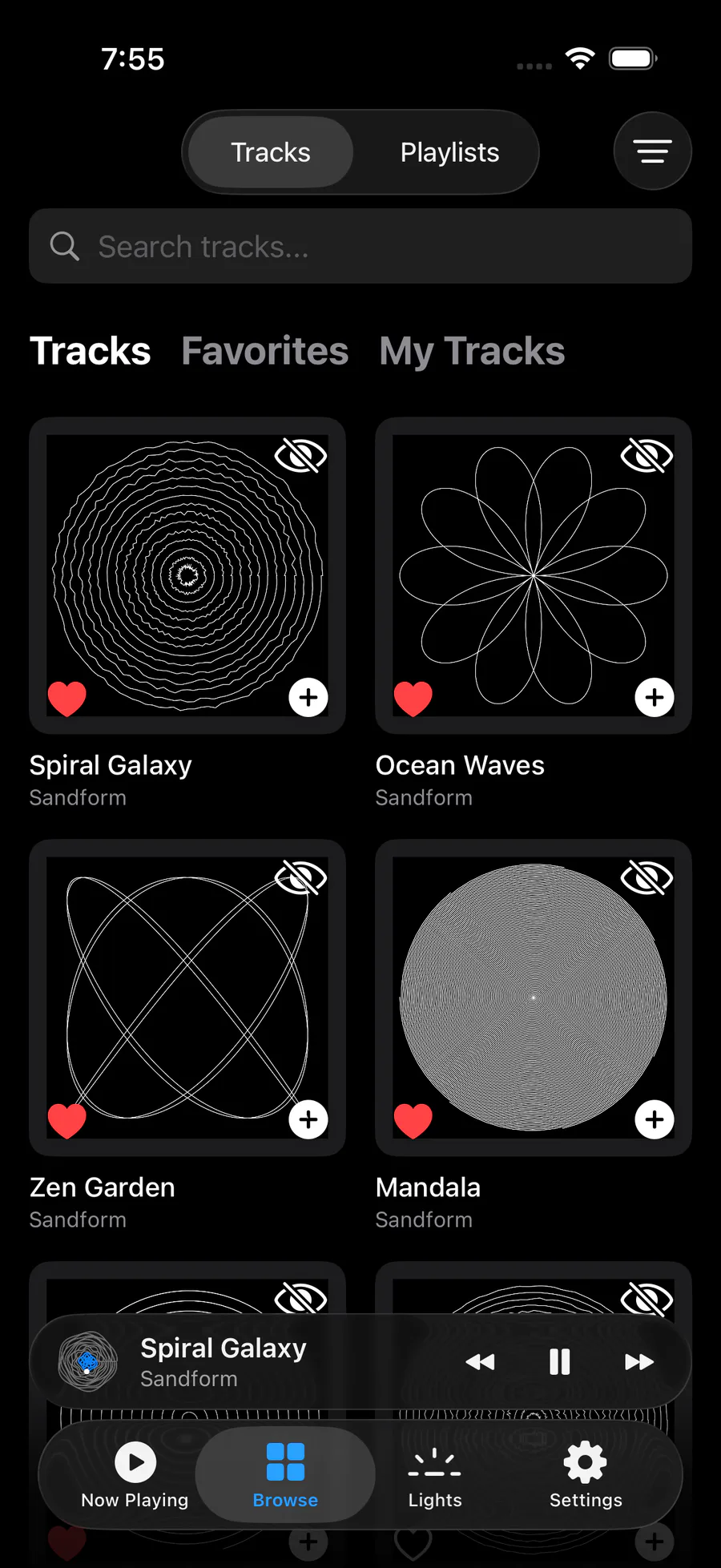
Search the catalog by name, narrow it by category or predicted duration, and know how long a design is likely to take on your table at its selected speed.
Find a design by name across the catalog, favorites, and your own tracks.
Filter for under 15, 30, or 45 minutes—or settle in for an hour-plus design.
Predictions account for the table type and drawing speed you selected.
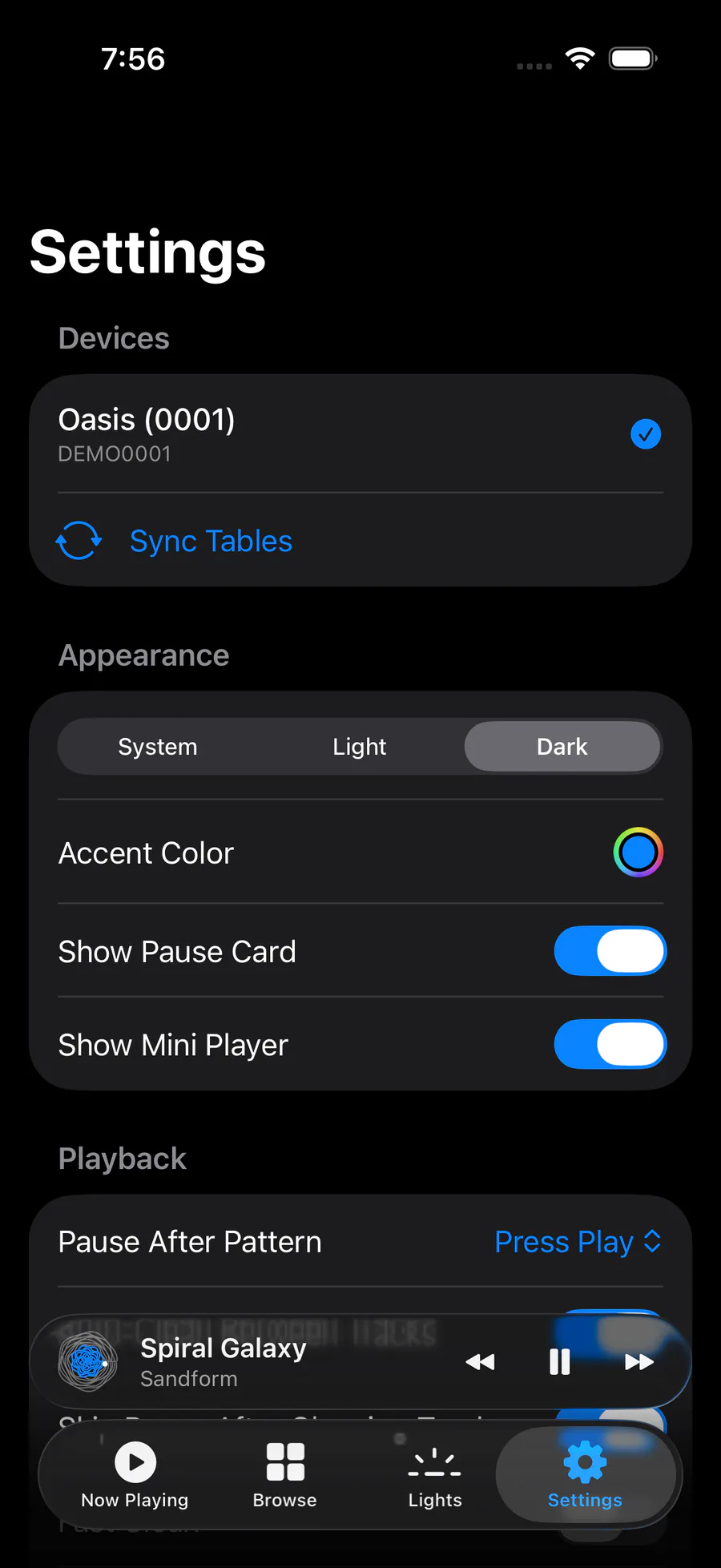
Lighting, schedules, multiple tables, and personal controls stay simple—and free.
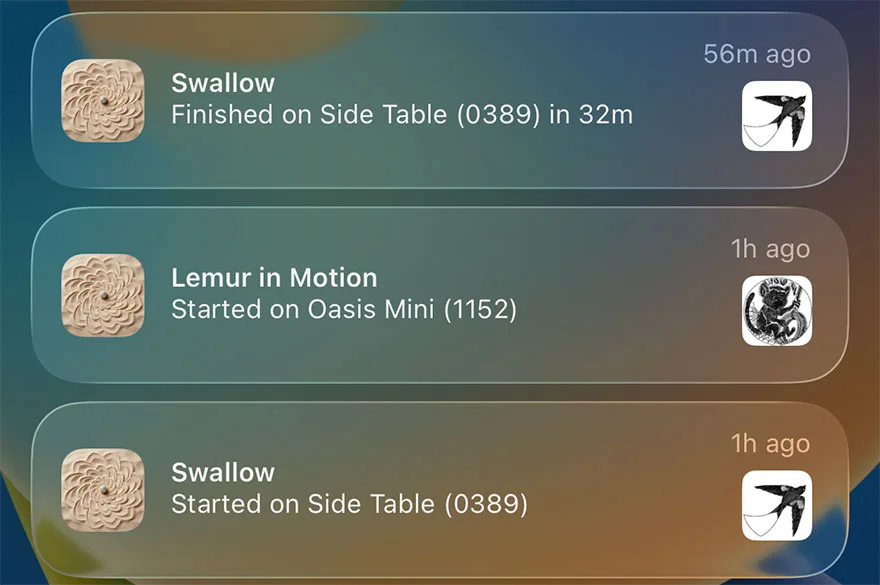
Pro brings the table to the surfaces you already glance at—with useful context, not noise.
Choose alerts per table for drawings, queues, errors, offline status, new designs, cleaning, and sand care.
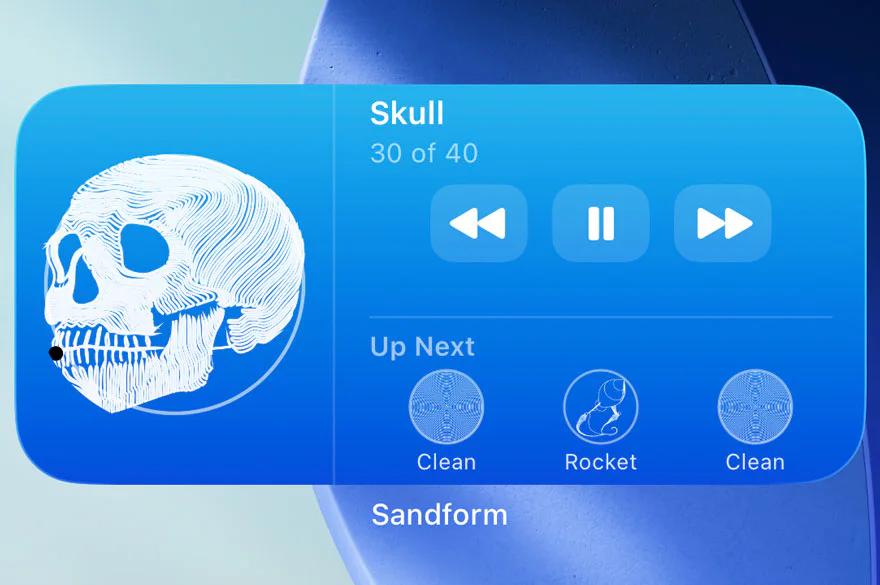
Let the design taking shape live beside the rest of your day. See what is next—or play, pause, and skip—without opening the app.
Purpose-built Pro controls remove the friction between one beautiful pattern and the next.
Speed through cleaning patterns, then return to your chosen art speed.
Move straight from a cleaning track into the next design, with no dead time in between.
See useful table status immediately while the latest device details arrive.
Count completed patterns per table and get a reminder when it is time to spread the sand.
Create, edit, reorder, and preview personal playlists with predicted running times.
Set multiple wake and sleep schedules by weekday with daylight-saving-safe timing.
Switch tables and keep playback, alerts, maintenance, and settings distinct for each one.
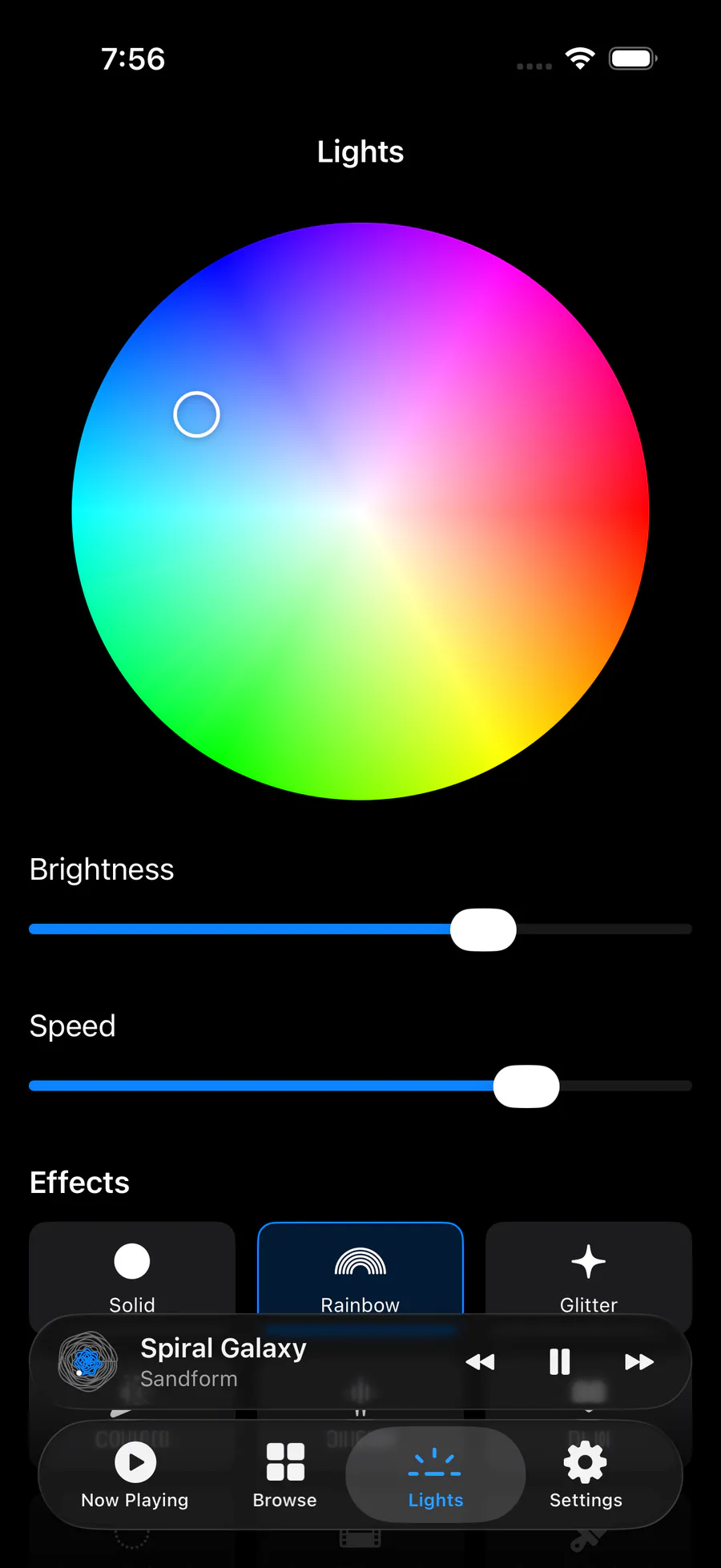
Dial in color, brightness, animation speed, and effects from Solid to Aurora Flow.
Download Sandform and use the full daily remote. Upgrade only when you want the table to keep going—and keep you informed—on its own.
Everything you need to enjoy and control your table.
All-day autonomous drawing, useful awareness, and faster transitions.
* Introductory trial for eligible new subscribers. Subscription auto-renews unless canceled. U.S. price shown; pricing and availability may vary by storefront. Apple handles billing.
Sandform is an independent, unofficial companion built for the part that happens after your Oasis table is already set up.
Sandform is an independent iPhone and iPad companion for compatible Grounded Oasis kinetic sand tables. It brings design search, predicted drawing times, queue control, playlists, lighting, schedules, multi-table control, and optional Pro automation into one focused app.
No. Sandform is an independent, unofficial companion app. It is not affiliated with, endorsed by, or supported by Grounded Labs, Grounded, or Kinetic Oasis LLC. A Grounded account and a compatible Oasis table configured through the official app are required.
Sandform is designed for everyday control after setup. You still use the official app for initial Wi-Fi setup, device sharing, custom pattern uploads, live drawing, and firmware workflows. A Grounded account and a table already configured in the official app are required.
Sandform is built for Oasis Mini, Side Table, and Coffee Table devices already linked to your Grounded account. Controls and maintenance settings are kept separately for each saved table.
The free app includes design search, predicted drawing times, playback and queue controls, favorites, personal playlists, lighting controls, schedules, multiple tables, appearance options, and device diagnostics.
Pro adds server-backed Endless Play, Update Later for table firmware, rich push notifications, the interactive Home Screen widget, Fast Clean, No Pause After Clean, Instant Snapshot, and per-table spread-sand reminders.
Yes. Sandform tells you when Grounded publishes new table firmware and can install it right away. Pro adds Update Later: pick an hour, 2 AM by default, and Sandform waits for whatever is drawing to finish, installs the update, and carries on with the queue. You get a push when it's done.
Yes. While your table remains powered, awake, and online, Endless Play can keep refilling its queue after Sandform is closed. Choose all patterns, favorites, selected categories, or designs still missing timing data.
Yes. Sandform uses completed drawing runs, your table type, and selected speed to make practical estimates, then lets you filter for designs under 15, 30, or 45 minutes—or explore hour-plus designs. Estimates are not guarantees, and improve as more timing data is collected.
Apple handles Pro payment, renewal, cancellation, and entitlement verification through the App Store. Sandform’s server does not receive your payment details.